Notion is the connected workspace where better, faster work happens.
Your wiki, docs, & projects. Together.
Powerful building blocks
Visualize, filter & sort any way you want
Customize the info you track
Build any page, communicate any idea
Every team, side-by-side
Engineering
Design
Product
Marketing
Operations
HR
Our Products
Wikis
Docs
Projects
Wiki
It’s hard to move fast if you’ve got a clunky and disorganized workspace. Centralize all your knowledge in Notion instead.
The new default for knowledge & documentation
Every team’s files, at a glance
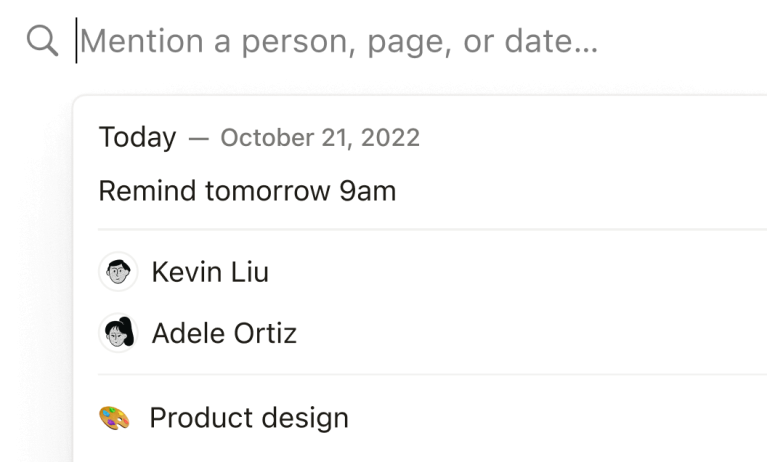
Search that actually works
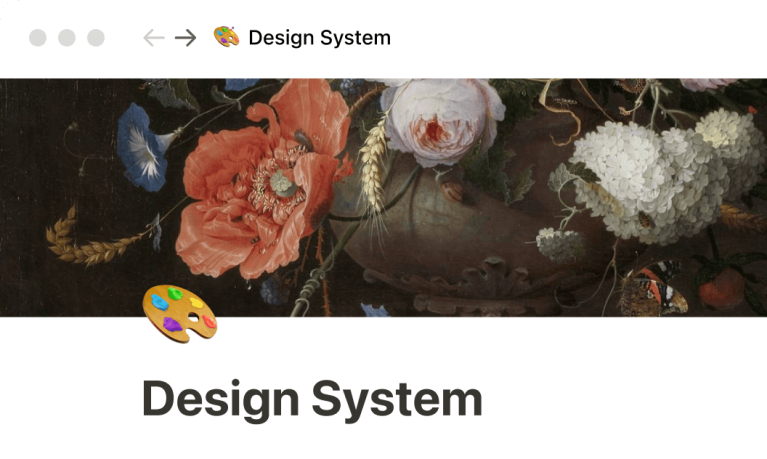
Beautiful out of the box
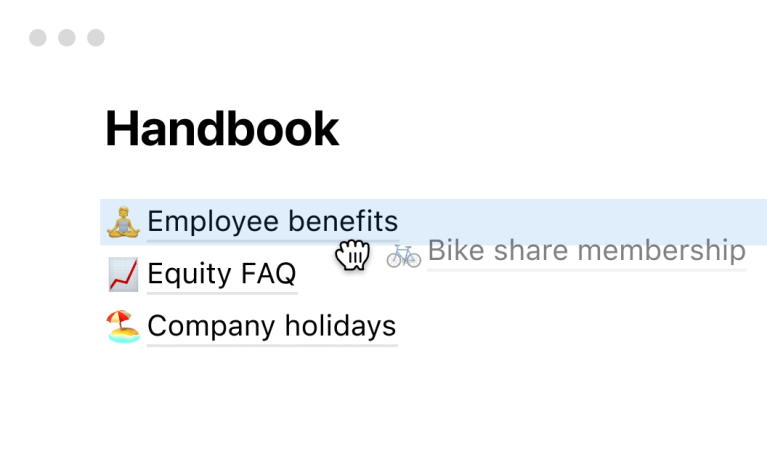
Drag and drop organization
Link to other pages easily
Scales with the largest of companies
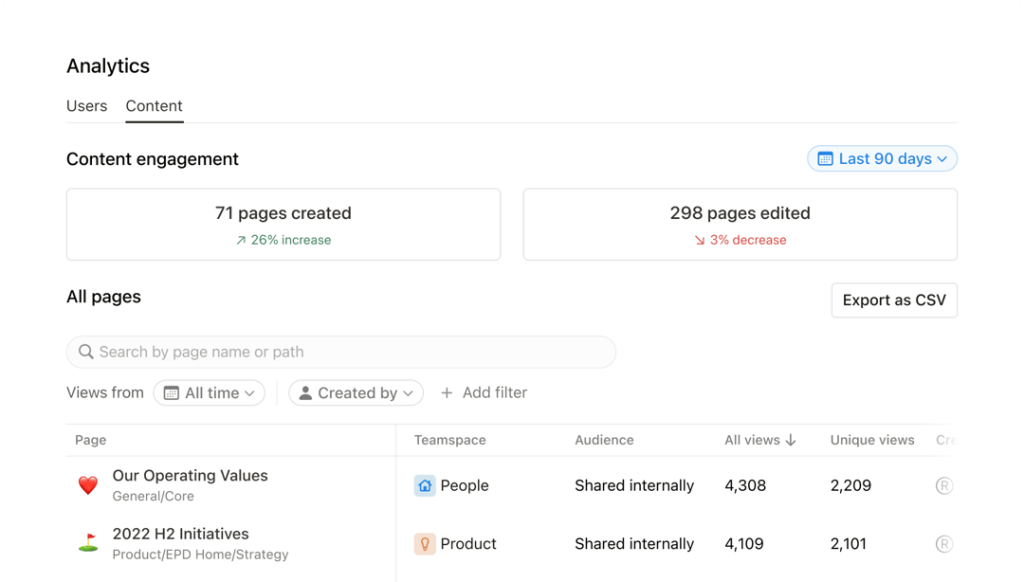
Analytics to inform what’s next
Notion’s Enterprise plan gives admins a set of tools to understand how their employees are interacting with content.
Security & admin controls
Protect your workplace with security, compliance and audit tools.
Fine-grained admin roles
Delegate workspace membership management to administrator-level users.
Advanced permissions
Specifies with granular precision who can and what can be created.
SAML single sign-on
Allows an employee to access her Notion through an identity provider using her SAML-based SSO.
SCIM user provisioning
Easily create, delete, add, update or retrieve users or groups.
Domain managment tools
Manage who can claim a domain and create a workspace with it.
DOCS
The next gen of notes & docs
Simply. Powerful. Good. Communicate more efficiently using Notion’s flexible building blocks.
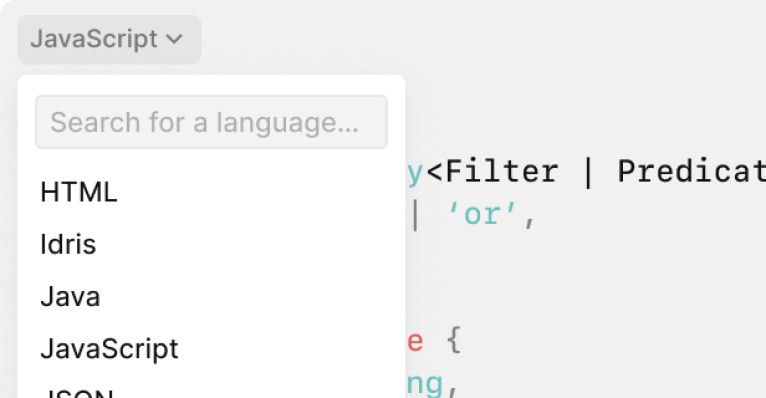
Code snippets
Toggles
Images & videos
Table of contents
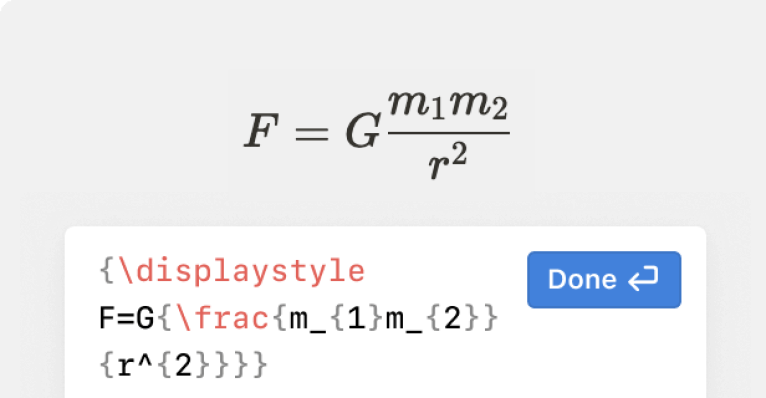
Math equations
And 50+ more content types
Projects
Powerful project management without the cumbersome system
You can manage any kind of project with Notion, regardless of your team or size. So everyone can act clearly and quickly. Buy Notion from best Notion Software Resellers Today!
Infinitely configurable, so you can work the way you want
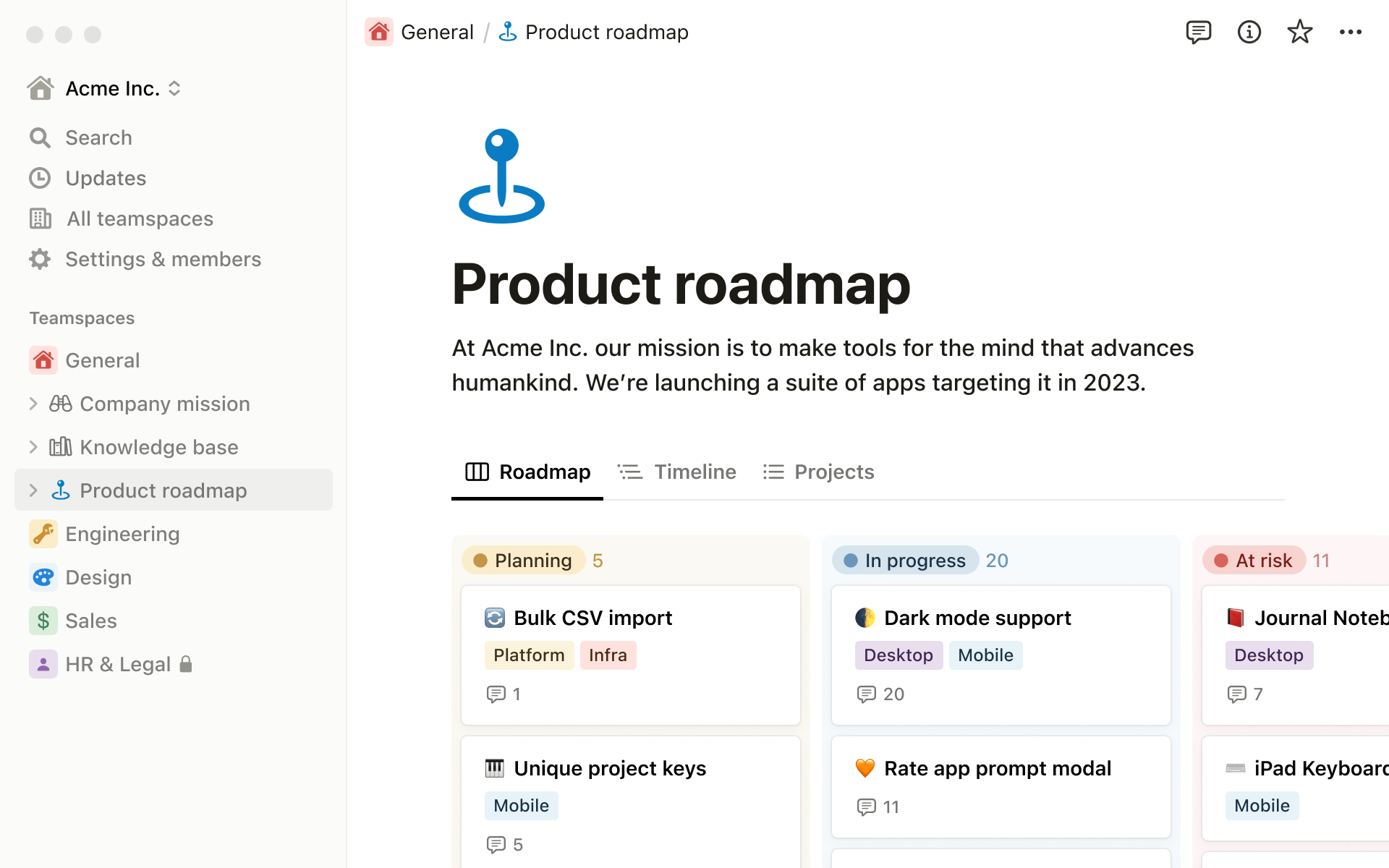
View projects
Capture every detail in a table
See every deadline plotted on a calendar
Choose the exact info you want to track
Codify your particular team processes
Filter and sort info to see what you need
Everything you need to see the big and small details
Tasks and sub-tasks
Status, assignee, due date
Database views
Dependencies
Filter for "My tasks"
Progress bar
Try Free Demo
Frequently Asked Questions
What is Notion software, and how does it work?
Notion is an all-in-one workspace tool that allows users to create, organize, and collaborate on various types of content, including notes, documents, databases, tasks, and more. It offers a flexible and customizable interface that can adapt to different workflows and use cases.
Does Notion software offer mobile apps for access on the go?
Yes, buy Notion which provides mobile apps for iOS and Android devices, allowing users to access and edit their Notion workspaces from anywhere. The mobile apps offer similar functionality to the web app, enabling seamless collaboration and productivity on the go.
What features does Notion offer for project management and task organization?
Buy Notion which offers features such as kanban boards, calendars, to-do lists, and project timelines to help users organize and manage tasks and projects effectively. Users can create custom workflows and automate repetitive tasks to streamline their work processes.
Is Notion suitable for knowledge management and documentation?
Yes, Notion is an excellent tool for knowledge management and documentation. Users can create rich-text documents, wikis, and knowledge bases, as well as organize and categorize information using databases and linked pages.