

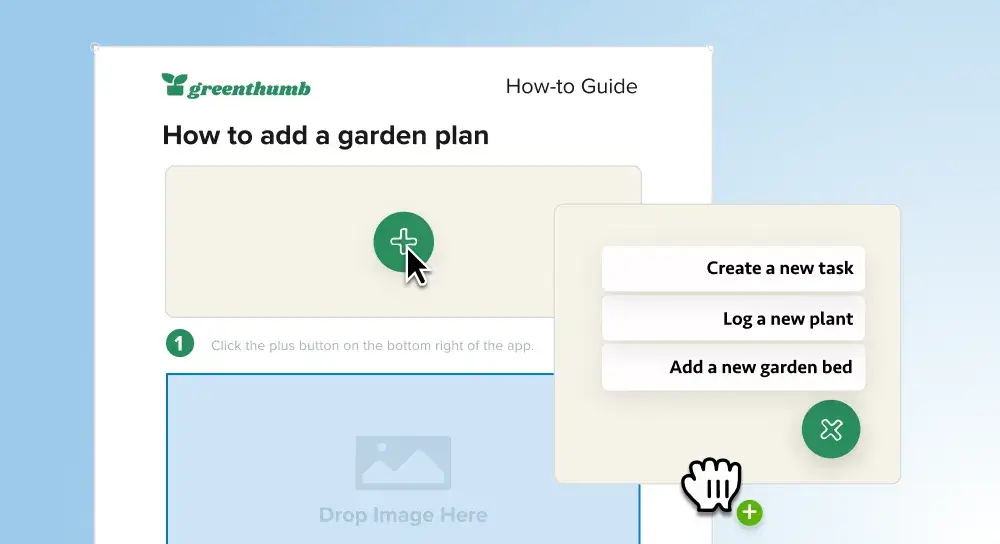
Make technical content easier to understand and quicker to create. Snagit helps you build clear, visual documentation that people can actually follow.
Corporate training
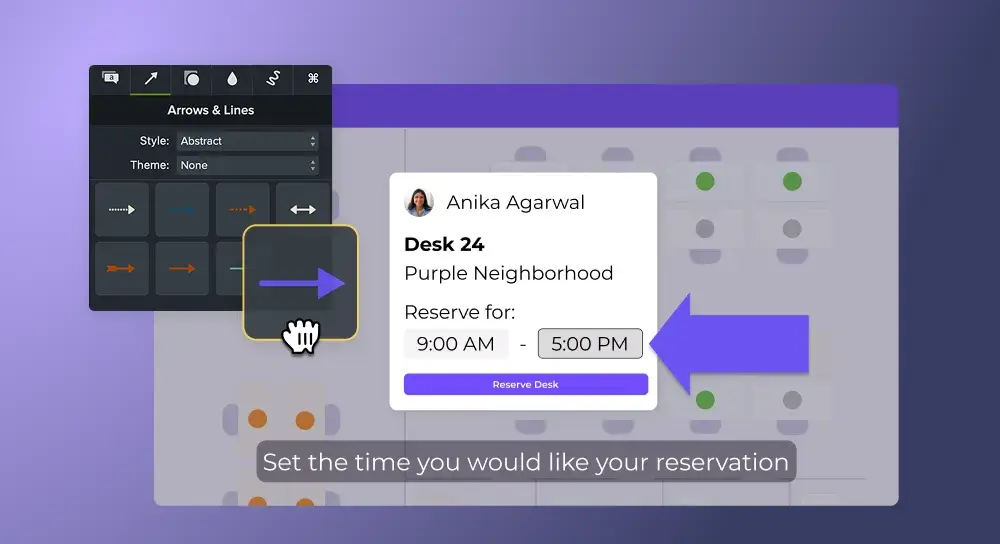
Make onboarding, process updates, and systems training easier to understand and faster to create. Camtasia helps you turn complex topics into clear, engaging content your team will actually watch.
Team communication
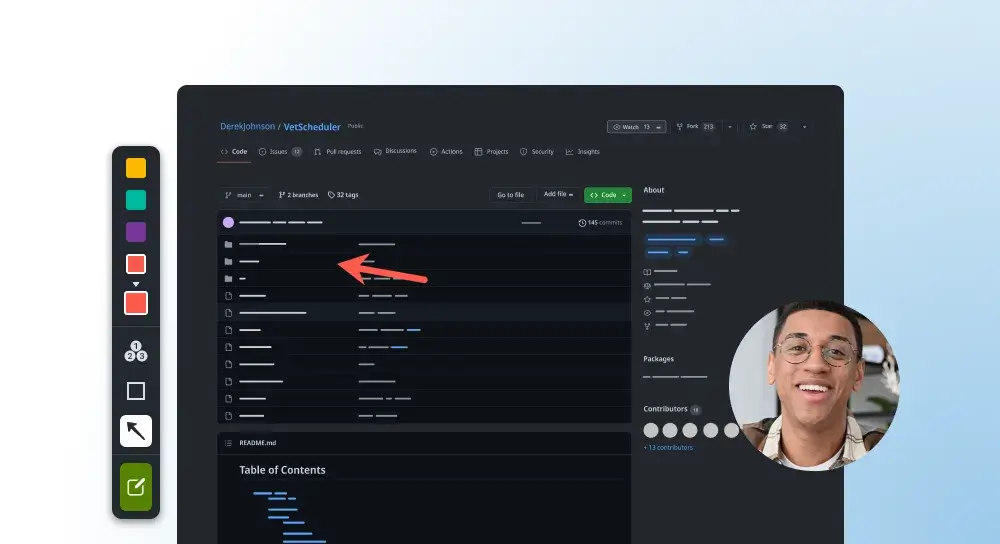
Replace long emails and repeat meetings with clear, visual updates. Snagit helps you capture and explain your message quickly so your team stays aligned.
FEATURES
AI video background noise removal
Remove background noise from video
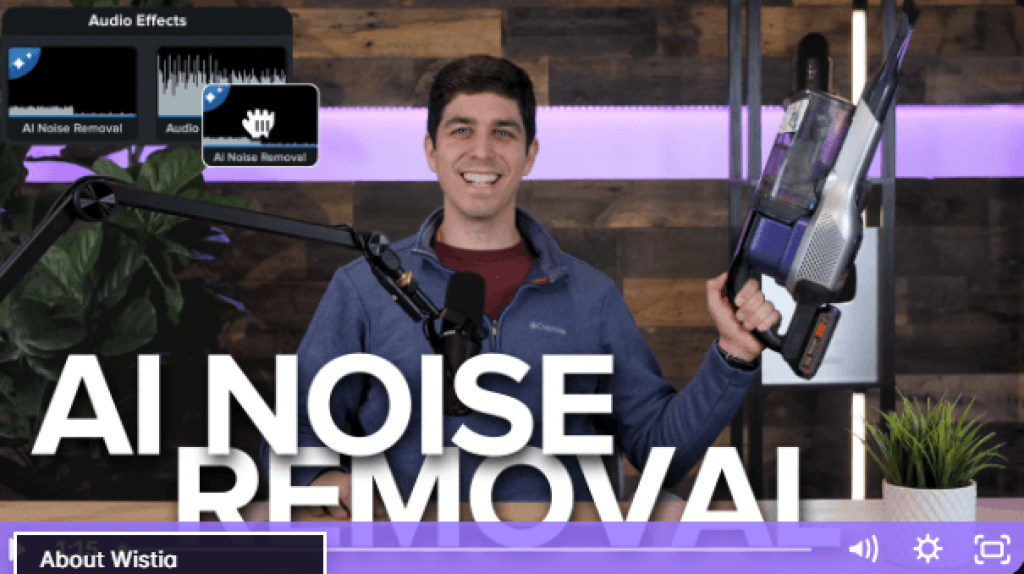
Noisy background ruining your videos? Camtasia Editor’s AI-powered audio enhancer removes unwanted background noise from any mic or voice recording, giving you pristine audio in seconds.
Add music to your video
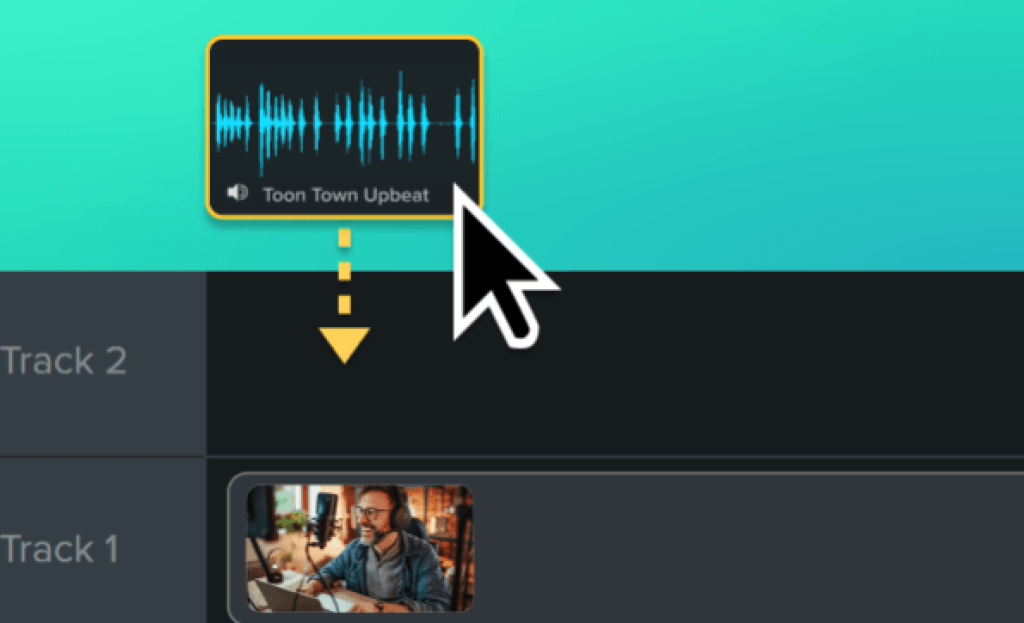
Music can transform a video, enhancing its mood and message. Camtasia Editor makes adding music to your videos quick and easy. With access to royalty-free music directly within the product, Editor saves you time while ensuring your content remains copyright-compliant.
Custom cursor
Custom cursor effects
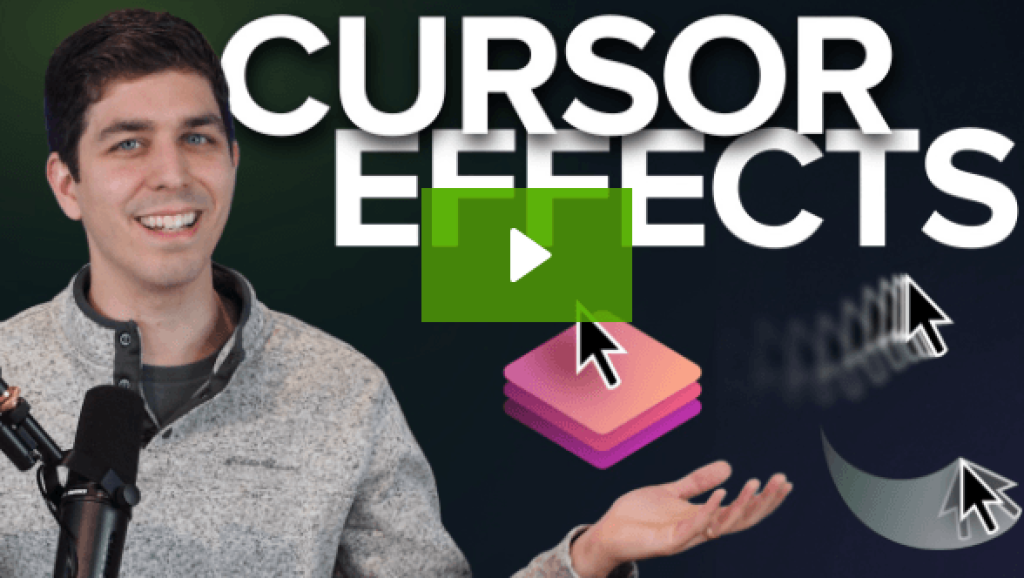
Add cinematic flair to your tutorials, walkthroughs, and explainer videos with custom cursor effects in Camtasia Editor.
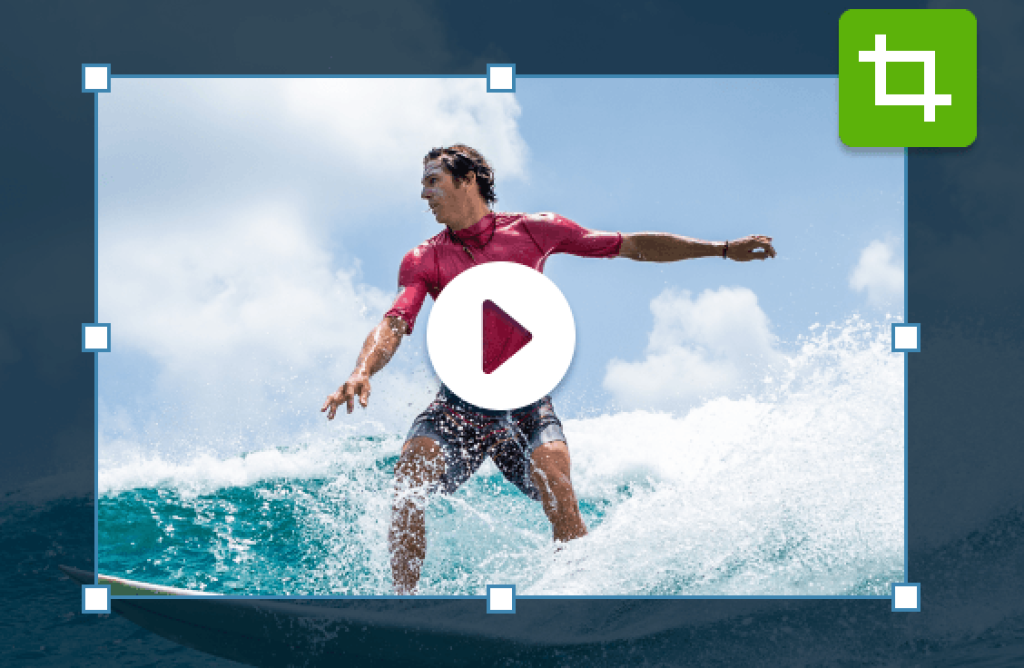
Cropping your videos is a powerful way to remove unwanted sections, focus on key content, and adapt your videos to various formats. Camtasia Editor provides the perfect toolkit for cropping videos with precision and ease, making it the best video editor available.
Multitrack screen recorder
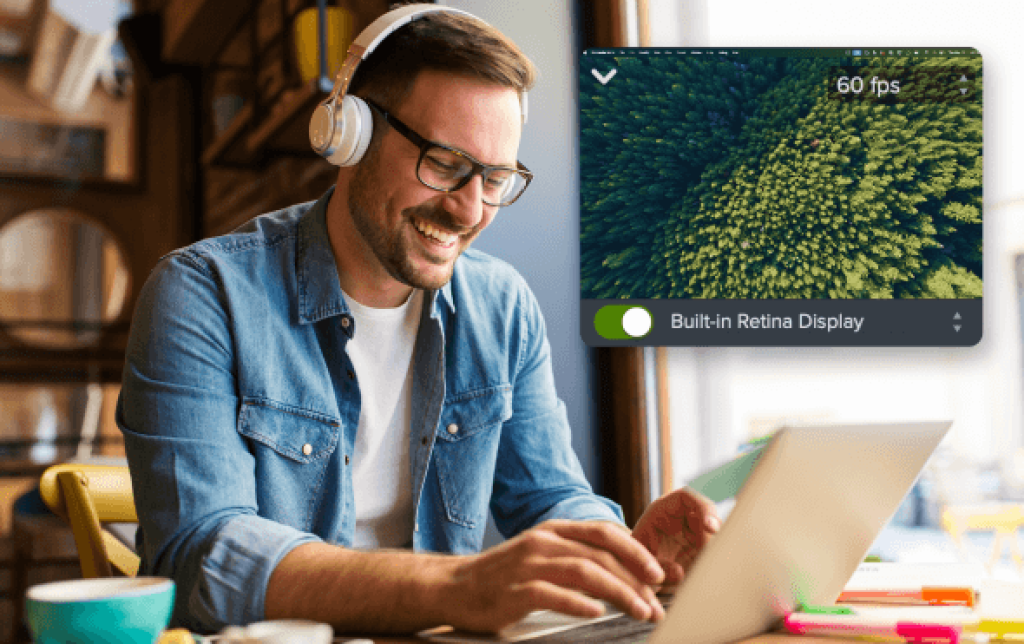
Create professional-quality videos that captivate your audience with Camtasia Editor’s multitrack screen recording capabilities. Record your screen, camera, and audio in stunning 4K, all while capturing meta-data like cursor paths and window sizes for unparalleled editing control. Whether you’re creating software demos, tutorials, or educational content, Editor lets you edit your videos with precision, saving you time while delivering standout results.
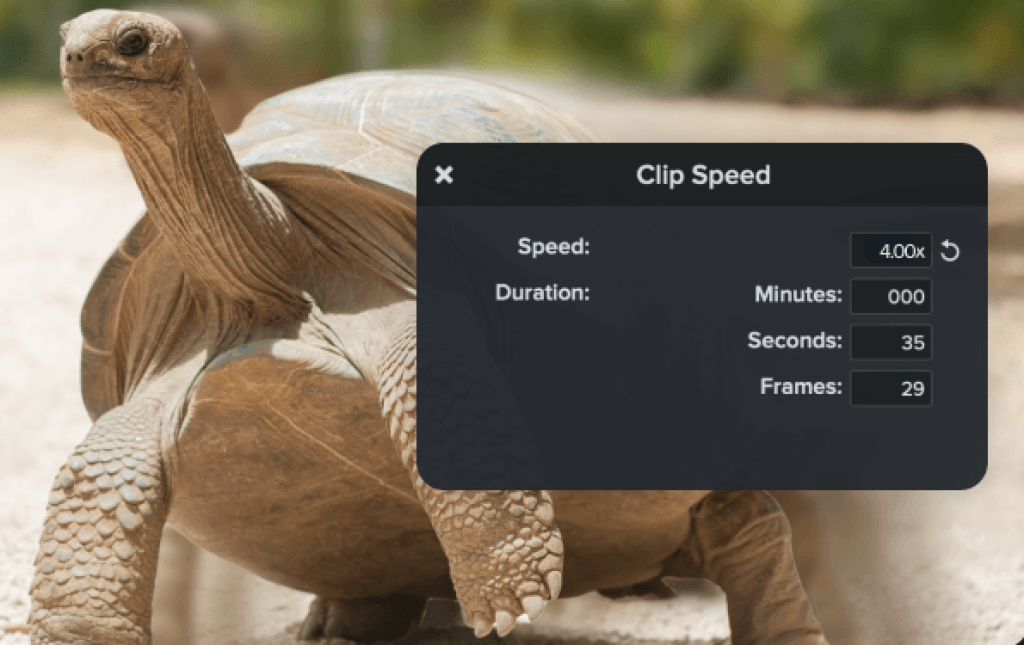
Speed up videos
In today’s fast-paced world, video viewers expect content that is both engaging and efficient. With Camtasia Editor’s intuitive drag-and-drop interface, you can quickly adjust the speed of any video without guesswork.
Video background remover
AI-powered background removal
Removing a video background is one of the fastest ways to create high-quality, scroll-stopping video content for tutorials, presentations, or social media. With Camtasia Editor, you can automatically remove or blur backgrounds, ensuring that your audience stays focused on the speaker or subject in the video.
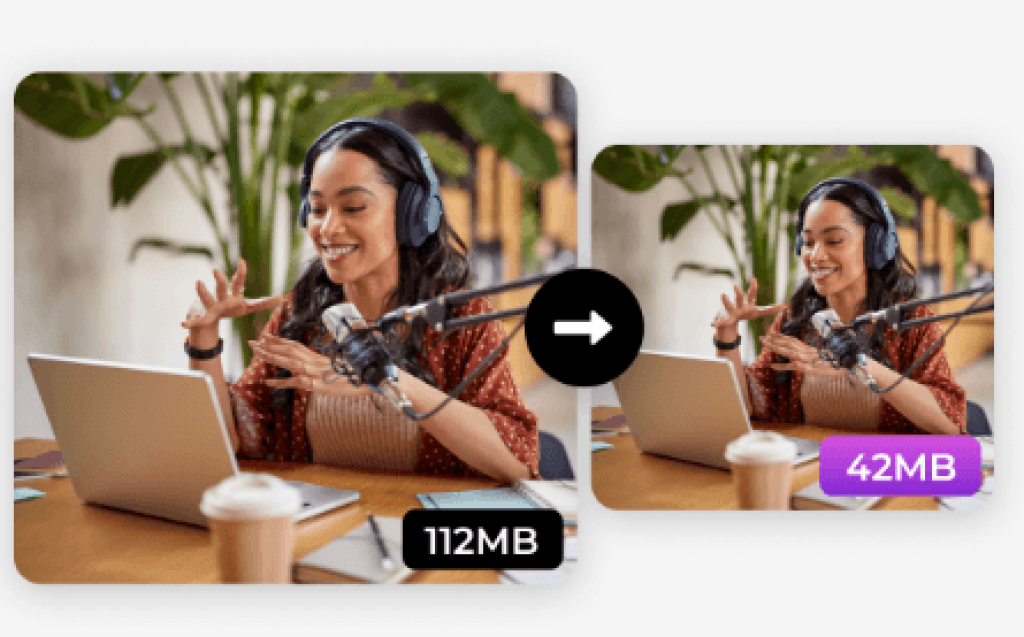
Need to reduce the size of your video files without losing quality? Camtasia Editor is the best video file compressor you’ll find.
Video editor
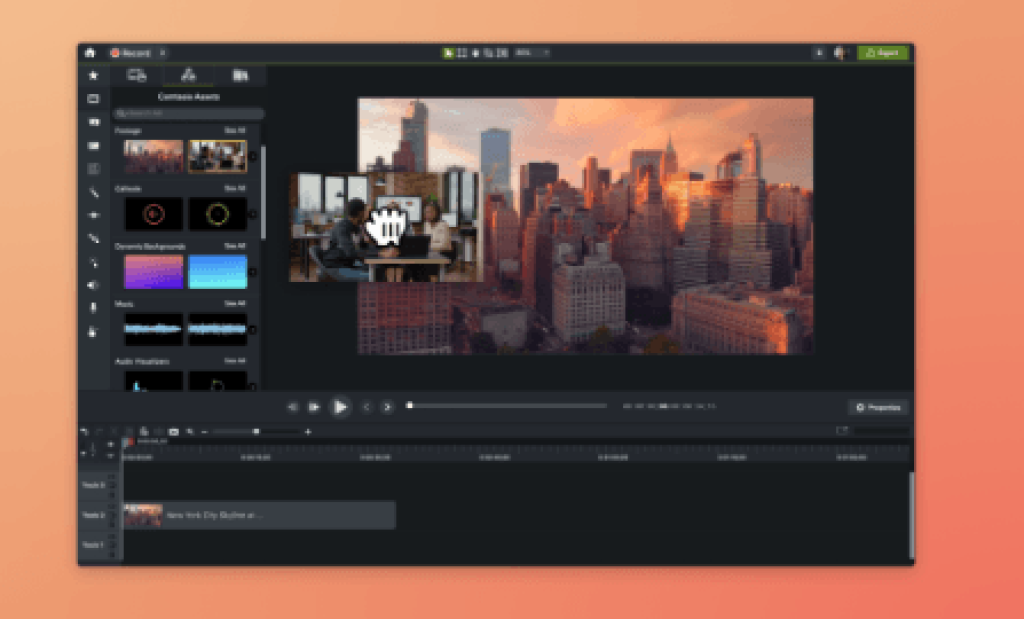
Editor is the go-to for anyone looking to create engaging videos, whether you’re a beginner or an experienced content creator. From screen recordings to educational videos, Editor is the perfect all-in-one tool for creating high-quality content on both Windows and Mac platforms.
Video templates
Camtasia Editor’s video templates make it easy to create professional, polished videos while saving time and maintaining consistency.